pysrim2
SRIM from Python, on any operating system
SRIM (Ziegler’s Stopping and Range of Ions in Matter) simulates how ions slow down and stop in a material. pysrim2 runs SRIM from Python on Windows, Linux and macOS (macOS through the container). Every output file is parsed into pandas tables. Parameter scans run in parallel and are cached, beam distributions are supported, and plots are built in. pysrim2 continues the original pysrim; see Changes from pysrim.
Get started · Gallery · Guides · Reference
Install pysrim2, then set up SRIM once:
pip install pysrim2
pysrim2 install
For the desktop app: pysrim2 install app, then pysrim2 app.
The boron reference case (100 nm of gold on silicon, 200 ions):
from srim import TRIM, Ion, Layer, Target
from srim.analysis import implant_summary

au = Layer.from_formula("Au", 19.3, 1000.0)
si = Layer.from_formula("Si", 2.33, 10000)
results = TRIM(
    Target([au, si]),
    Ion("B", energy=20e3),
    number_ions=200,
    angle_ions=7.0,
    ranges=1,
    random_seed=12345,
).run()
depth = implant_summary(results.range3d.df)
print(depth["mean_depth_A"])  # about 282
Install the pysrim2 skill for your coding agent (for example Claude Code). The skill
needs SRIM too, which pysrim2 install sets up.
pysrim2 install skill
Then give the agent a task, for example:
Simulate a 100 nm gold layer on a silicon wafer, implant 200 boron ions at 7 degrees and 20 keV, and give me a pandas DataFrame of implantation depth and xy straggle.
The agent writes and runs the script and reports a mean depth of about 282 Å.
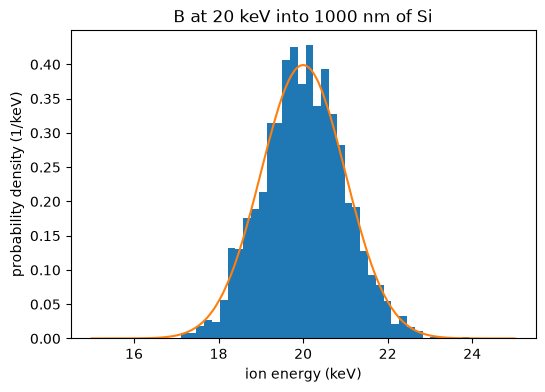
Gallery
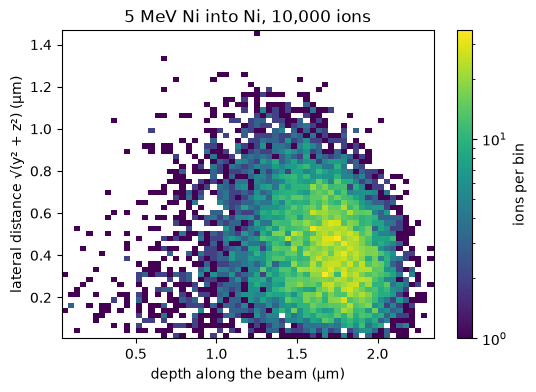
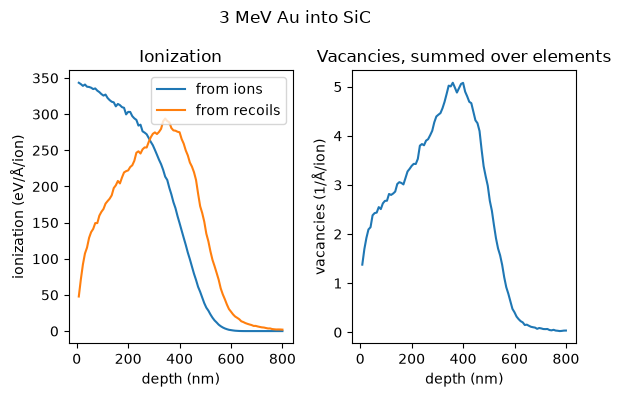
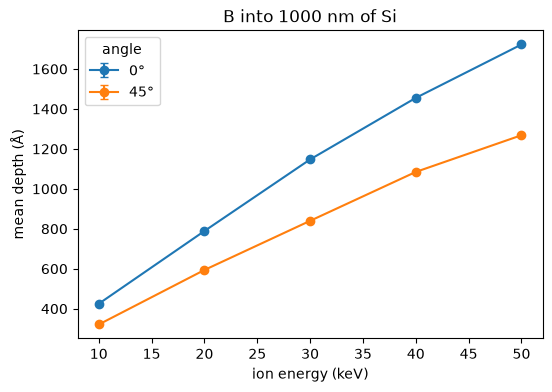
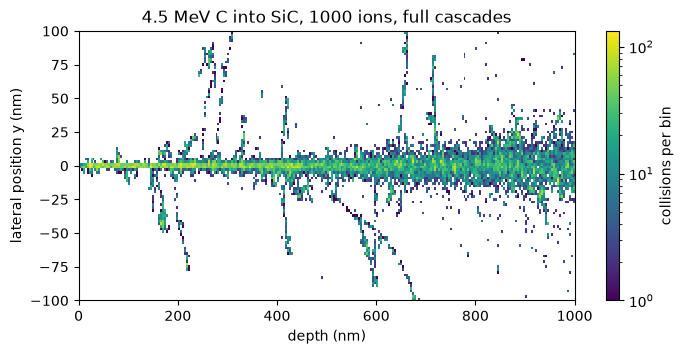
Guides and reference
The sidebar lists the guides (run spec, output tables, scans, beam distributions, export, concurrency, the container and the command line) and the reference (the API and the changelog).